Catch A Pet And Ride it How to Redeem Codes
Exact Shop steps for WELCOME, TURKEY2026, and every future MeowLabs promo string.
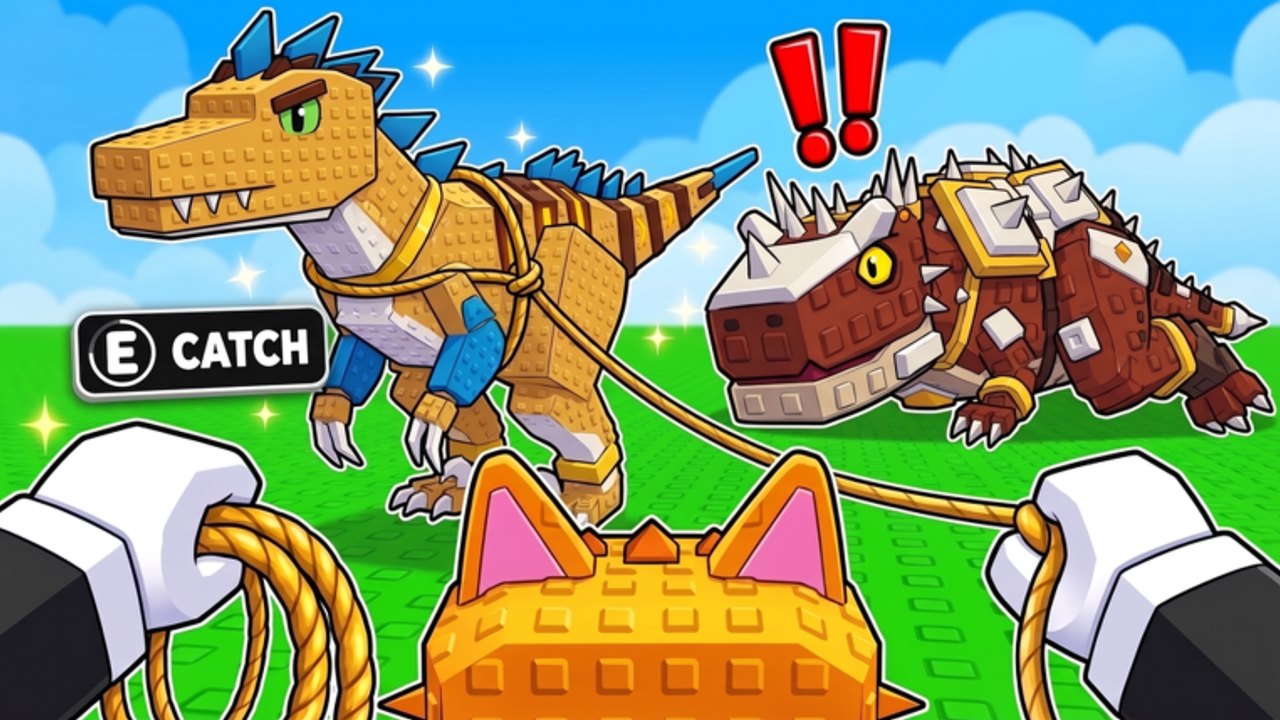
Promo codes are the fastest free Cash injection in Catch A Pet And Ride it! This page is the complete redeem walkthrough: where the code box hides, how to type strings correctly, what to do when redemption fails, and how to spend WELCOME and TURKEY2026 the moment they land in your inventory.
If you only needed the active list, jump back to the Codes Hub. Stay here when the UI feels confusing on mobile, when a code returns an error, or when you want a spending plan tied to Getting Started priorities.
Exact redeem path
- Launch Catch A Pet And Ride it! and wait until the HUD finishes loading.
- Open Shop from the left side of the screen.
- Scroll all the way to the bottom of the shop panel—past lassos, chests, and boosts.
- Locate the Enter code field.
- Type the code carefully. Prefer all caps as published:
WELCOMEorTURKEY2026. - Press Redeem.
- Watch for a success toast or currency popup. If nothing happens, wait two seconds and check Cash / Turkey Coin balances before retrying.
Codes are also printed on the official Roblox experience description. Copy-paste from there into Shop when possible to avoid typos. After redeeming, still join the MeowLabs group and like the experience for separate free rewards described on that page—details in Players Hub and Official Links.
Active codes to enter (November 2026)
| Code | What you should see |
|---|---|
| WELCOME | +5,000 Cash |
| TURKEY2026 | +1,000 Turkey Coins and an x2 Lasso Power potion lasting 10 minutes |
Redeem WELCOME on every new slot you create. Redeem TURKEY2026 while the Turkey update is live; if the potion appears as a usable item, save it for a planned hunt rather than popping it in the menu lobby.
Mobile, tablet, and console tips
On mobile/tablet, the left Shop button can sit under notches or thumb reach zones—rotate to landscape if the scroll list feels clipped. Drag slowly at the bottom; some devices rubber-band before the code row fully appears.
On console, highlight Shop with the controller, scroll with the stick until the code field focuses, then use the on-screen keyboard. Avoid inserting spaces after the code. If focus jumps to a Robux pack, scroll one more notch down.
Desktop players can paste directly. After pasting, glance at the field to ensure a leading space did not sneak in from the Roblox description.
Common errors and fixes
“Invalid code” — Check spelling, remove spaces, confirm the code is still listed on the Codes Hub and the Roblox description. Seasonal codes expire without much fanfare.
“Already redeemed” — Each code is generally once per account. You will not get a second WELCOME on the same user.
No button response — Rejoin the server, disable overlay apps, and try again. Heavy Scripts that hook Shop UI can break the redeem control—disable automation first.
Currency missing — Refresh inventory / Cash display by opening and closing Shop. Turkey Coins only matter during the Turkey Event; if the event ended, a late redeem may fail entirely.
Potion not obvious — Look for a consumable or buff icon after TURKEY2026. Activate it only when you are mid-zone with a lasso you trust—see Lasso Power Training and How to Catch Pets.
Spending plan after a successful redeem
WELCOME (5,000 Cash)
- Run a short TrainTap block to raise Lasso Power.
- Buy the next affordable progression upgrade that is not a vanity flex.
- Keep reserve Cash for travel or shop lassos on the free path.
- Avoid dumping everything into a single Mecha Chest—value comparison lives on the Lassos Tier List.
TURKEY2026 (coins + potion)
- Note your Turkey Coin balance for the seasonal shop.
- Plan a 10–15 minute catching route before clicking the potion.
- Prefer Index-gap pets and tougher zone targets while x2 Power is active.
- Be ready to Escape the Guardian—higher success rates mean more aggro moments.
Auto-redeem scripts vs manual entry
Some Auto Catch hubs advertise auto redeem. That is convenient on disposable alts and dangerous on mains. Manual entry takes fifteen seconds and never asks you to complete a sketchy key site. If you still automate, read the Scripts Hub ToS warning, use an alt, and never install a random .exe.
After new updates
When MeowLabs ships a New Zone + Admin Abuse session or rotates seasonal codes, return to this page’s parent Codes Hub first. The redeem UI path rarely changes; the strings do. Make code checks part of your pre-event routine alongside inventory cleanup and a quick training session.
Checklist you can screenshot
- Shop opened from left HUD
- Scrolled to absolute bottom
- Entered WELCOME → confirmed +5,000 Cash
- Entered TURKEY2026 → confirmed coins + potion
- Joined MeowLabs + liked experience
- Stored potion for a real hunt
- Opened Getting Started if this is day one
Mastering redemption sounds trivial until you watch someone miss 5,000 Cash for a week because the code box sat under a chest banner. Scroll twice, type once, spend smart—and get back to catching.
Frequently Asked Questions
Quick answers about codes, pets, lassos, and the Guardian.
Where is the code box in Catch A Pet And Ride it?
Open Shop on the left side of the HUD, then scroll to the very bottom to find Enter code and Redeem.
Do codes work on mobile?
Yes. Use Shop the same way; landscape mode helps if the list is hard to scroll on small screens.
Why does TURKEY2026 fail?
It may be expired, already redeemed, mistyped, or tied to the Turkey update window. Confirm it is still listed as active.
Can I redeem the same code twice?
Usually no—each promo string is once per Roblox account.
Should I redeem before joining MeowLabs?
Order does not matter much. Do both: codes in Shop, plus group join and like rewards from the experience page.