Catch A Pet And Ride it Controls & Input Guide
Master throw, reel, ride, and menu inputs across Desktop, Mobile, Console, and Tablet.
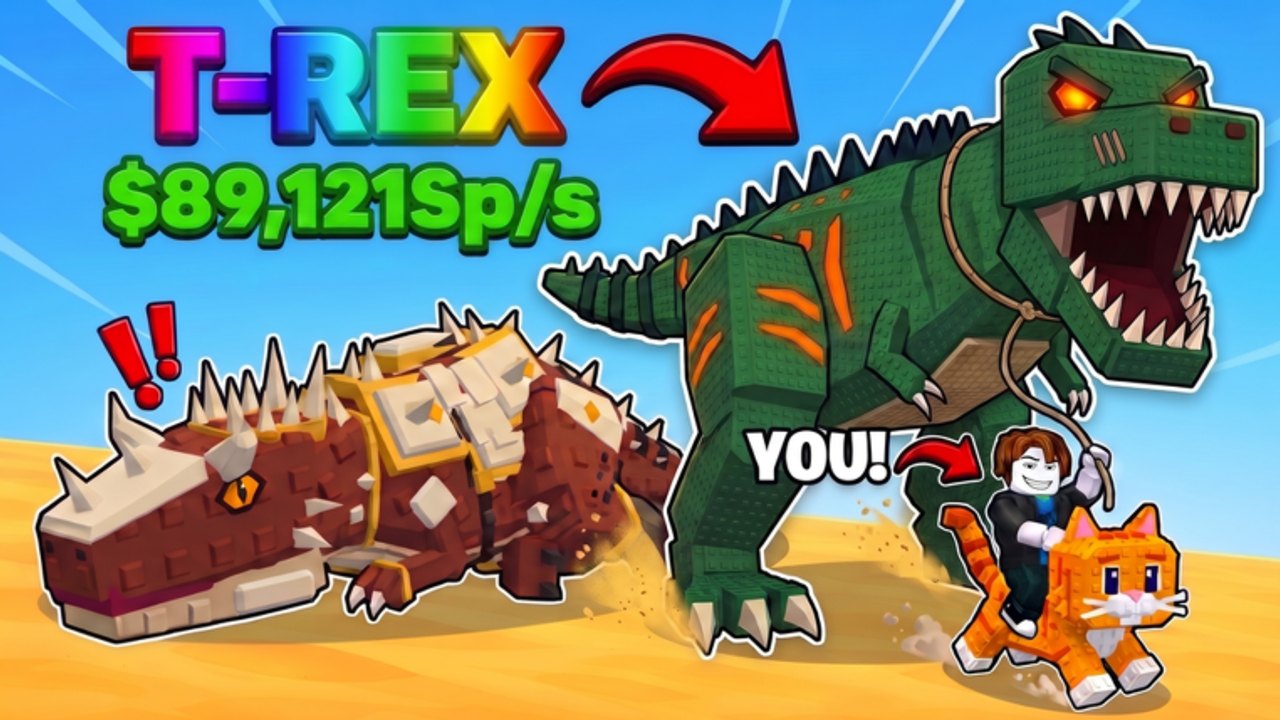
Catch A Pet And Ride it! by MeowLabs supports Desktop, Console, Mobile, and Tablet. The fantasy is the same on every platform—throw a lasso, catch a pet, escape the Guardian, ride for speed—but the buttons and aim feel differ. This Controls guide maps the practical inputs you need so your first hour is about pets, not guessing which HUD button opens Shop.
Servers hold six players. Clean inputs matter when someone else is racing the same Common cat. Pair this page with Getting Started, How to Catch Pets, and Escape the Guardian.
Universal HUD map
Regardless of device, learn these panels early:
- Shop (usually left) — lassos, boosts, Mecha Chests, and the code box at the bottom for WELCOME / TURKEY2026.
- Train / TrainTap — Lasso Power grinding; see Lasso Power Training.
- Index / pets inventory — collection and fusion planning; see Fusing Pets and the Index.
- Ride / equip mount — mount your fastest pet before a Guardian chase.
- Lasso equip — confirm you are holding the rope you intend to throw.
If a button feels missing, rotate the camera and check both edges of the screen. Mobile UIs often tuck Shop under a collapsed rail.
Desktop (keyboard + mouse)
Desktop is the most comfortable aiming platform for most players.
- Move with WASD (or your Roblox remaps).
- Aim the throw with the mouse toward the pet’s center mass.
- Use the on-screen throw / lasso control (click or bound action) to release the rope.
- Hold through the reel phase—do not spam cancel unless the pet clearly broke free.
- After a catch, sprint and mount immediately; Guardian pressure starts fast.
- Open Shop with the left HUD button; scroll to the bottom for codes—full path on How to Redeem Codes.
Tips: raise mouse sensitivity slightly if throws feel laggy; lower it if you overshoot small pets. Bind a comfortable key for jump if Guardian pathing needs height. Keep the Roblox escape menu unbound from your throw finger so you never open settings mid-reel.
Mobile and tablet
Touch play is fully supported. Landscape mode usually helps aim.
- Use the virtual joystick for movement.
- Drag aim toward the pet, then tap the lasso / throw button.
- Keep a thumb free for ride the moment a catch sticks.
- Open Shop, then scroll the entire panel—codes sit at the bottom and are easy to miss on short phones.
- Pinch-zoom carefully; accidental zooms during reels cause panic cancels.
Tablet players get more screen real estate for Index and Shop. Phone players should redeem codes before a hunt so they are not scrolling mid-chase. If throw buttons feel tiny, check Roblox accessibility / UI scale options on your device.
Console
Controller play works, but throw timing takes a session to settle.
- Move with the left stick; aim with the right stick.
- Map throw to a face button you can press without losing camera control.
- Practice ten throws on Commons before pushing rare zones—stick acceleration differs from mouse.
- Open Shop with the on-screen prompt; use the stick to scroll to the code field.
- Remap if the default throw conflicts with jump or interact.
Console cannot run executor scripts. Stay on the legit path: Codes, smart lasso upgrades, and Train Boost if you spend Robux.
Throw → reel → ride checklist
Use this muscle-memory sequence on every platform:
- Face the pet with clear line of sight.
- Confirm lasso tier matches the zone—see Zones and Map.
- Throw once; commit to the reel.
- On success, ride your fastest pet immediately.
- Path toward base using cover and open lanes—Escape the Guardian.
- Bank the pet, then train or hunt again.
Broken throws usually come from moving while releasing, aiming at feet instead of torso, or throwing while another player’s pet overlaps yours. Reset footing; do not mash.
Menu inputs that save progress
- Codes: Shop → bottom → Enter code → Redeem. Active list: Codes Hub.
- Offline Cash: pets at base keep earning when you leave—Offline Earnings. Log out clean after banking.
- Fusion skips: Shop timers for long fuses; only buy skips you understand—Fusing Pets and the Index.
- Robux buys: Train Boost x2 at 9 Robux before fat Mecha packs—Shop and Robux.
Common control mistakes
| Mistake | Fix |
|---|---|
| Opening settings mid-throw | Rebind or move fingers; practice in a safe pasture |
| Missing code box on mobile | Scroll Shop fully before hunting |
| Riding too late | Bind ride to an easy control; mount on catch toast |
| Throwing while strafing wildly | Stop, aim, throw, then move |
| Ignoring TrainTap between hunts | Schedule short Power sessions |
Accessibility and comfort
Take breaks during long Index grinds. Lower graphics if frame drops ruin reel timing. Colorblind players should rely on silhouette and nameplates more than rarity tint alone. Voice chat is not supported on this experience—coordinate with friends via party chat outside the game if needed.
Event-day controls
During Turkey Event and New Zone + Admin Abuse, lobbies get louder and denser. Pre-bind ride and throw so you are not hunting buttons while admin drops spam the screen. Redeem codes before 11:00 so Shop scrolling is not your first action in a packed server.
Related guides
- Getting Started — first-hour loop
- How to Catch Pets — throw skill depth
- Escape the Guardian — post-catch movement
- Guides Hub — full walkthrough map
- Players Hub — six-player etiquette
Learn the inputs once. After that, every upgrade—Power, lasso, zone—lands on hands that already know how to throw, reel, and ride without thinking.
Frequently Asked Questions
Quick answers about codes, pets, lassos, and the Guardian.
Where is the code box on mobile?
Open Shop from the HUD, then scroll to the very bottom of the shop panel. The Enter code field sits below the paid packs.
Does Catch A Pet And Ride it support console?
Yes. Console, Desktop, Mobile, and Tablet are all supported. Remap throw if the default binding feels awkward.
What should I press right after a successful catch?
Mount your fastest pet immediately and path toward base before the Guardian closes the gap.
Why do my throws miss on controller?
Stick aim needs warm-up. Practice on Commons, slow your camera, and throw from a stable stance instead of sprinting sideways.
Can I run scripts on console or mobile?
Console cannot. Mobile executor setups are unstable and risky. Prefer legit play; see Scripts Hub only if you accept alt-account risk on PC.